

Meta How to Check Instagram Login Devices and Protect Your Account...

Meta How to Check Instagram Login Devices and Protect Your Account
0
29

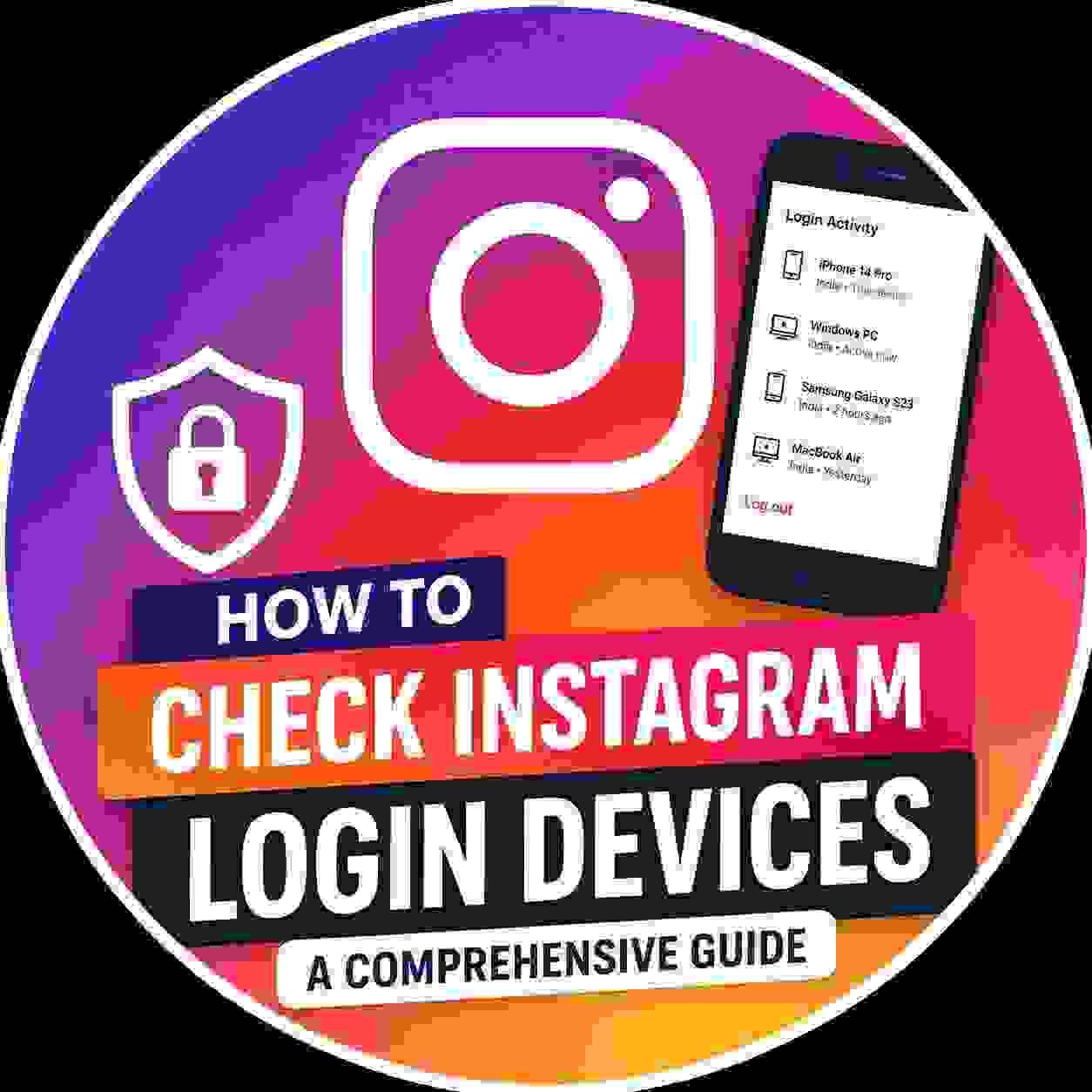
Instagram provides a platform where you can check the devices that have accessed your Instagram account. To check login devices of your Instagram account, you will have to open the Instagram application. Then you have to click on the Settings option. There you tap on Account Center. After that, you have to tap on **Password and Security**. Lastly, you will have to click on **Where You're Logged In**.

When checking for the devices, you have to be very careful. All unrecognized devices must be logged out. In case you notice that another person is logging into your Instagram account without your authorization, you should change your password. Two-factor authentication must also be activated.


Sponsored
Search
Sponsored
Categories
Read More
Business
How Cream Separator Machines Are Quietly Transforming Hygiene and Efficiency on Modern Dairy Farms
There’s a reason experienced dairy operators walk straight to the processing section before...
By meimedical 2026-05-07 07:52:01 0 2K
Networking
Horizontal Centrifugal Pumps Market Leads on Efficiency and Versatility
Horizontal centrifugal pumps are the efficiency leaders in fluid transfer, using a rotating...
By wanrup 2026-07-13 11:02:24 0 74
Health
Looking for ICU Ambulance Services in Delhi with Trusted Emergency Support?
ICU Ambulance Services in Delhi, Funeral Ambulance Services in Delhi, and Dead Body Freezer Box...
By ayushambulanceservices 2026-06-25 10:35:45 0 616
Networking
Smart Construction Project Management for Better Outcomes
Construction projects today require more than just technical skills and manpower. They demand...
By costestimator 2026-05-22 11:21:11 0 1K
Health
GlucoTrust Reviews 2026: Does It Support Blood Sugar?
GlucoTrust is a natural wellness supplement created to support healthy blood sugar levels,...
By rexidon 2026-06-01 06:02:18 0 994
Gaming Sorted https://gamingsorted.com
