


Snapchat New Update 2026: New Features, Hidden Changes, and Everything You Need to Know
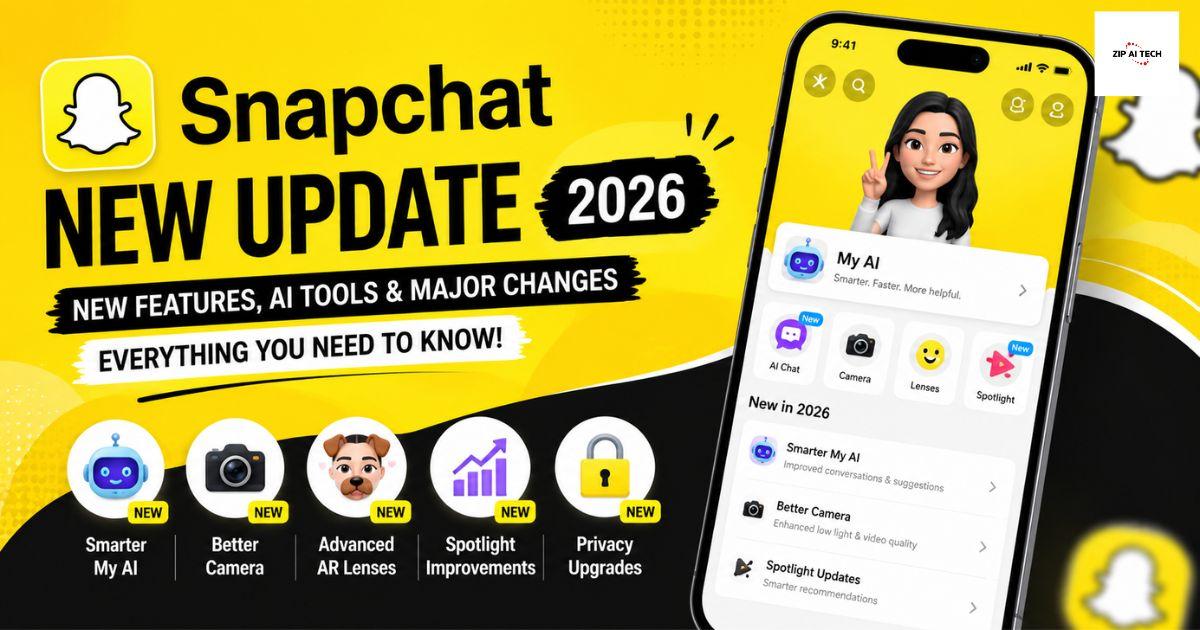
Snapchat New Update 2026: What's New?
Snapchat continues to evolve with every major release, introducing features that make conversations faster, content sharing more creative, and the overall experience more secure. The latest Snapchat update brings several improvements focused on user privacy, smarter recommendations, creator tools, and smoother performance across Android and iPhone devices. Recent announcements also highlight stronger privacy protections for younger users and expanded premium features for Snapchat+ subscribers.
If you've recently updated the app and are wondering what's different, this guide explains every important change in simple language.
What's Included in the Latest Snapchat Update?
The newest version focuses on improving both everyday messaging and content discovery. Users may notice:
-
Faster app performance
-
Improved camera speed
-
Better chat experience
-
Enhanced privacy controls
-
Smarter Spotlight recommendations
-
More customization options for Snapchat+ users
-
Bug fixes and stability improvements
These changes are designed to make Snapchat more enjoyable while keeping conversations secure and personalized.
1. Faster Camera Performance
Snapchat is known for opening directly to the camera. The latest update improves camera launch speed, helping users capture photos and videos almost instantly.
Benefits include:
-
Quicker photo capture
-
Reduced camera lag
-
Better low-light processing
-
Smoother video recording
This makes Snapchat more reliable for spontaneous moments.
2. Improved Chat Experience
The messaging system has become cleaner and more responsive.
Recent improvements include:
-
Faster message delivery
-
Better media sharing
-
Improved voice and video call stability
-
Enhanced chat organization
These small upgrades make daily conversations feel smoother.
3. Better Privacy Controls
Privacy remains one of Snapchat's strongest features.
The newest update introduces stronger protections, especially for younger users. Some newer sharing experiences now limit visibility to accepted friends instead of wider audiences, giving users more control over who can see their content.
Users can also review settings like:
-
Story visibility
-
Friend permissions
-
Location sharing
-
Contact syncing
Checking these settings after every update is a good habit.
4. Spotlight Gets Smarter
Spotlight continues receiving improvements that help users discover more relevant content.
The recommendation system now delivers videos that better match viewing interests while reducing repetitive suggestions. Snap has also shared research describing ongoing improvements to content ranking and trend detection across the platform.
This means:
-
Better video recommendations
-
More personalized content
-
Easier creator discovery
5. New Snapchat+ Features
Snapchat+ subscribers continue receiving exclusive experimental features before many public users.
Depending on your region and subscription tier, features can include:
-
AI creative tools
-
Custom chat themes
-
Story view notifications
-
Exclusive Bitmoji options
-
Extended best friends list
-
Profile customization
-
Story Boost and more
Premium features continue expanding with future updates.
6. Better Stability Across Devices
Many users install updates simply for bug fixes.
The latest release improves:
-
Battery efficiency
-
App responsiveness
-
Memory management
-
Crash reduction
-
Faster loading times
These background improvements often make the biggest difference during everyday use.
Hidden Improvements You May Notice
Some changes aren't mentioned directly in update notes.
Users may experience:
-
Faster notifications
-
Better image quality
-
Improved upload speeds
-
Smoother Story playback
-
Reduced freezing
-
Improved Lens performance
These refinements help create a more polished experience.
How to Update Snapchat
Updating the app only takes a minute.
Android
-
Open Google Play Store.
-
Search for Snapchat.
-
Tap Update if available.
iPhone
-
Open the App Store.
-
Search for Snapchat.
-
Tap Update.
Restarting the app after installation helps ensure all new features load correctly.
Tips to Get the Most from the Update
After updating:
-
Review your privacy settings.
-
Explore new Lenses and creative tools.
-
Clear cache if performance feels slow.
-
Enable automatic updates.
-
Try the newest Spotlight features.
-
Customize your profile if you're a Snapchat+ subscriber.
These steps help you take full advantage of the latest improvements.
Frequently Asked Questions
Is the Snapchat update free?
Yes. Regular Snapchat updates are free through the Google Play Store and Apple App Store.
Why don't I see the newest features?
Some features roll out gradually by region, device, or account type. Premium tools may also require a Snapchat+ subscription.
Does the update improve privacy?
Yes. Recent updates include stronger privacy-focused experiences and additional safety measures for younger users.
Is Snapchat+ required?
No. Snapchat works without a subscription, although Snapchat+ unlocks optional premium features.
Final Thoughts
The latest Snapchat update is more than a routine bug-fix release. It delivers faster performance, stronger privacy controls, improved content recommendations, and additional customization for users who want a richer experience. Whether you use Snapchat for chatting with friends, creating Stories, or exploring Spotlight, these improvements make the platform smoother and more enjoyable.
Keeping the app updated ensures you receive the newest security improvements, creative tools, and performance enhancements as soon as they become available.
 Deutsch
 English
 Arabic
 French
 Spanish
 Portuguese
 Turkish
 Dutch
Dutch
 Italiano
 Russian
 Romaian
 Portuguese (Brazil)
 Greek
Greek
