


Complete Guide: How to Hard Factory Reset iPad (New & Old Models)
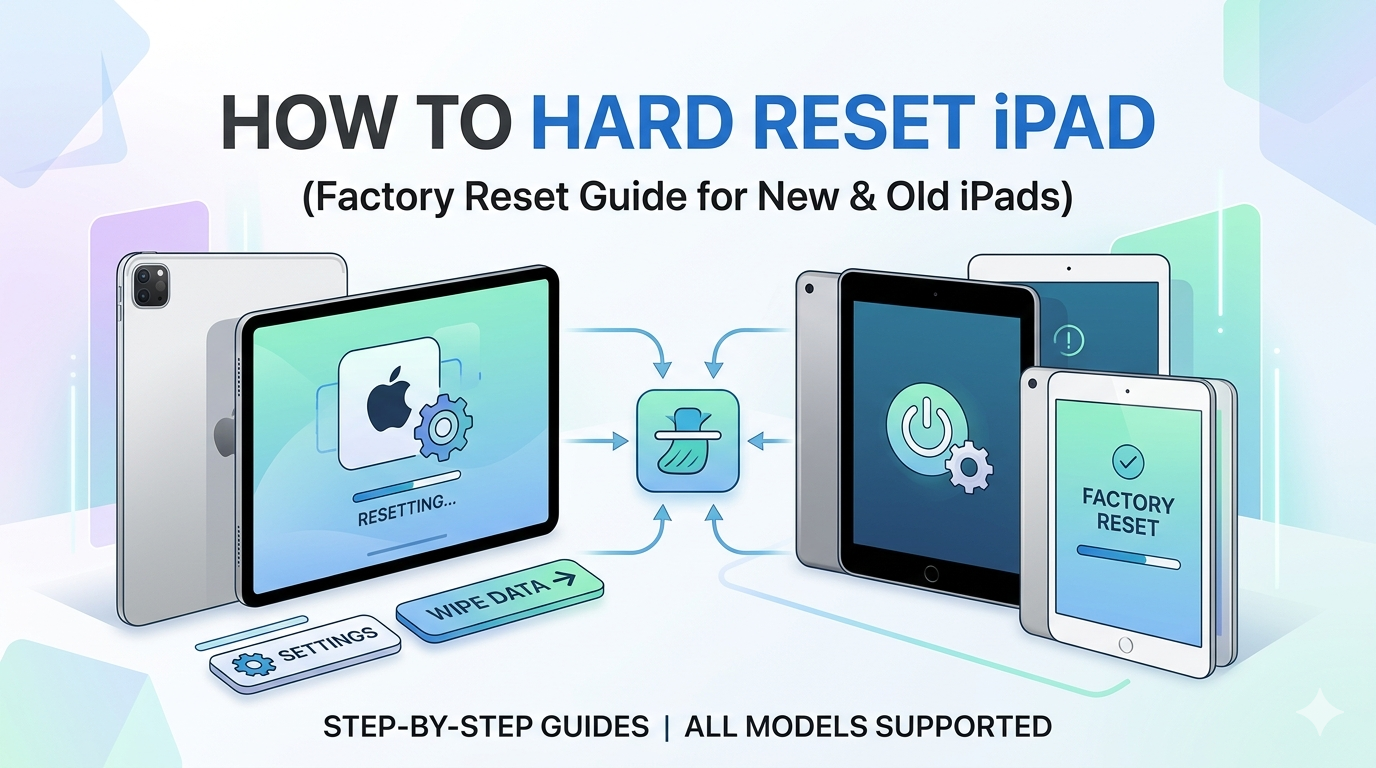
If your iPad is not working properly or is facing some problems like freezing, then you can solve such issues by hard resetting it. You can also hard reset your iPad, if you have forgotten your password or you want to resell it. By learning how to hard factory reset iPad, you can solve many issues without requiring professional help. In this guide, we will tell you how to hard factory reset iPad.
Before You Reset Your iPad
Before you start resetting your iPad, you should keep a few things in check, like ensuring that all your data is backed up somewhere, as a hard reset erases all the data. Before starting the process, keep your device fully charged so that the process goes smoothly. Keep your Password and ID handy.
Method 1: Factory Reset from Settings (Easy Way)
This method is especially for those times when you have your iPad with you.
-
Go to settings.
-
Tap on General.
-
Select Transfer or Reset iPad.
-
Click on Erase all content and settings.
-
Enter your password and click on confirm.
Following these steps will reset your iPad.
Method 2: Hard Reset New iPad (Without Home Button)
To hard reset new iPad, follow the given steps to ensure that the process goes on smoothly without any disturbance-
-
Press and release the Volume up button.
-
Do the same with the Volume down button.
-
Now, press and hold the power button until the Apple logo appears.
These steps do not wipe out entire data; they fix some glitches.
Method 3: Hard Reset Old iPad (With Home Button)
If you have an older iPad, the steps are a little different.
-
Press and hold Home + Power button together.
-
Keep holding the buttons until an Apple logo is visible on your screen.
-
Then release both the buttons.
This is actually a force start and not exactly a factory reset.
Important Tips to Remember
Before you begin the process of hard rest, you need to keep in mind a few things -
-
A hard reset (force restart) does not wipe out your entire data.
-
However, a factory reset will delete all your data permanently.
-
You need your Apple ID and password after resetting to enable activation lock.
Final Thoughts
Learning how to hard factory reset iPad helps solve troubleshooting and is essential for privacy and security. It doesn't matter whether you are using an old or new iPad; the steps are simple after you learn the basic difference between a hard reset and a restart. In case of data loss, we recommend using our free Datarecovee recovery tool to recover your file efficiently.

 English
 Arabic
 French
 Spanish
 Portuguese
 Deutsch
 Turkish
 Dutch
Dutch
 Russian
 Romaian
 Portuguese (Brazil)
 Greek
Greek
